One of the real-world applications for Meshtastic is to use it in combination with Android Team Awareness Kit (ATAK) to provide an off-grid means of communicating between ATAK users and/or to provide a means of asset tracking. ATAK is an Android smartphone geospatial infrastructure and situational awareness app. It allows for precision targeting, surrounding land formation intelligence, situational awareness, navigation, and data sharing. ATAK was originally developed by the Air Force Research Laboratory as the Android Tactical Assault Kit and has seen wide use across the US Armed Forces. ATAK is also widely used in wildland fire incident management in the Western US. ATAK has clients beyond just Android to include iOS devices (iTAK) and Windows computers (WinTAK). If TAK clients are on the same LAN, they will find each other and allow for data sharing and communication between clients along with seeing the physical GPS location of each client on a map. For wider area coverage, TAK clients can connect to TAK servers over the internet to maintain that communication between clients. But what happens once you go off-grid and you no longer have that internet connection? That’s where Meshtastic comes in quite handy via the Meshtastic Plugin for ATAK.
The scenario for my use of ATAK/Meshtastic started a few weeks ago when I received a phone call from a cadet with the local squadron of the Civil Air Patrol requesting the participation of my fire company and a neighboring fire company to help extract simulated victims from the woods during a CAP training event in the Town of Wales in September 2025. The plan was for the CAP cadets to locate lost/injured victims in the woods, get them to the tree line and direct fire company assets to their whereabouts, and have the fire companies extract the victims back to the CAP encampment by the road. As I was going to be the only ATAK user on-site for this drill, I did not need the chat communications aspect of ATAK, but since I was sending personnel and equipment off into the wilderness out of my sight, I most certainly wanted to use the asset-tracking aspect of ATAK.
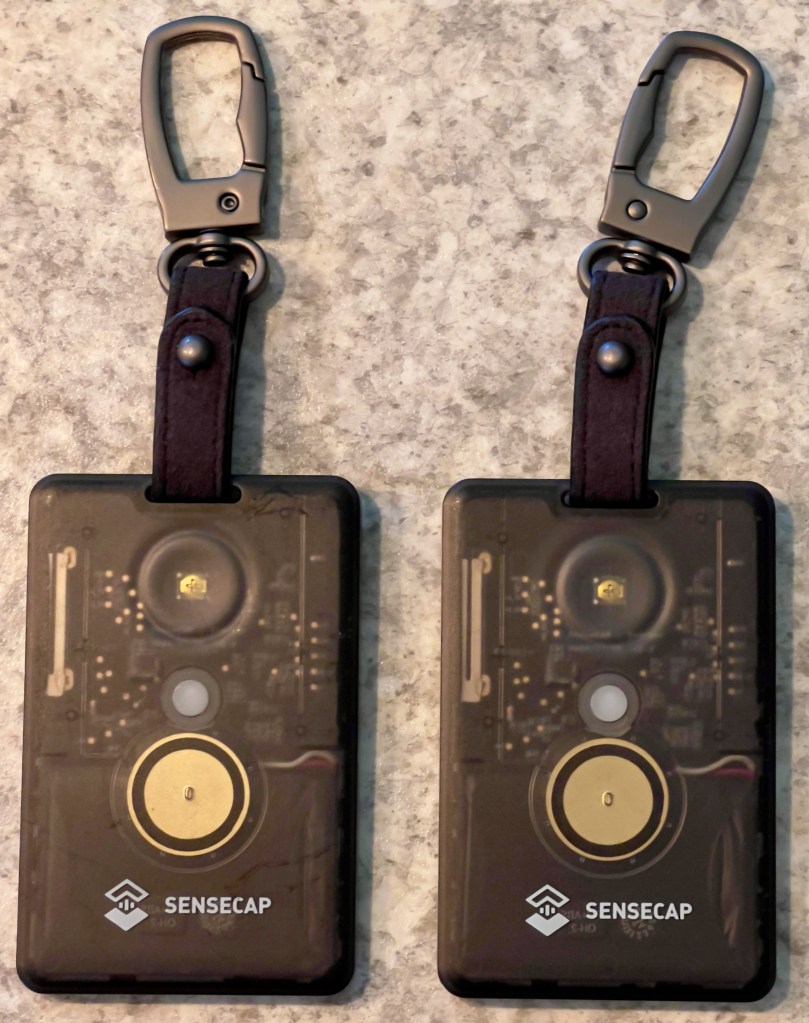
My easiest to deploy, no-frills, water-resistant nodes are both the SenseCAP Card Tracker T1000-E for Meshtastic from Seeed Studio. These are self-contained with the node, antennas, GPS, and battery in a small ID tag sized device. It’s not much thicker than a credit card and is IP65-rated. They are quite easy to clip to the top strap of a backpack if you are in need of tracking personnel teams on foot, or as in today’s drill, they can be very easily clipped to a UTV and a light rescue truck before they drive off the road heading for the woods.
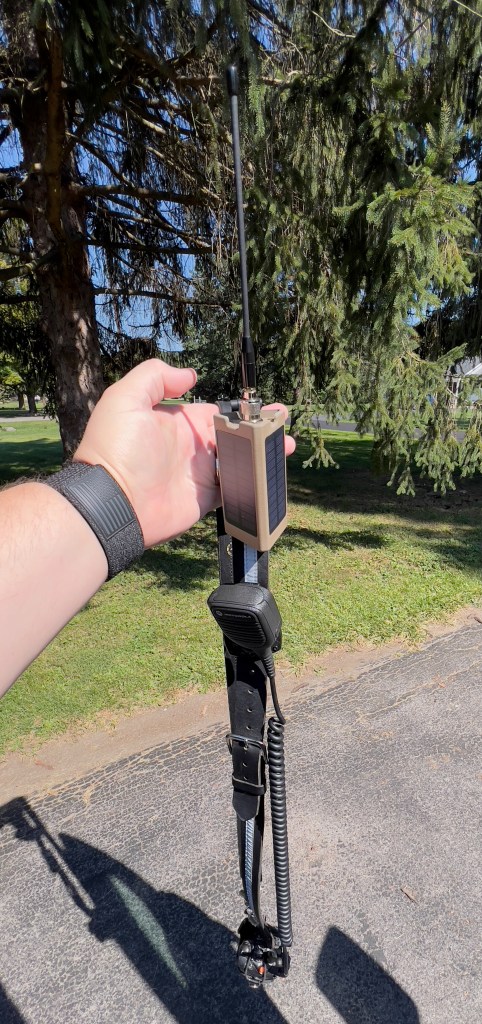
I also needed a node that would stay with me that would be connected to my Android phone which is where I would run the ATAK app. For this I grabbed a clip-on tactical node which has two solar panels in its housing and runs off a RAK WisBlock 4631. I clipped this onto the shoulder loop of my portable radio strap.
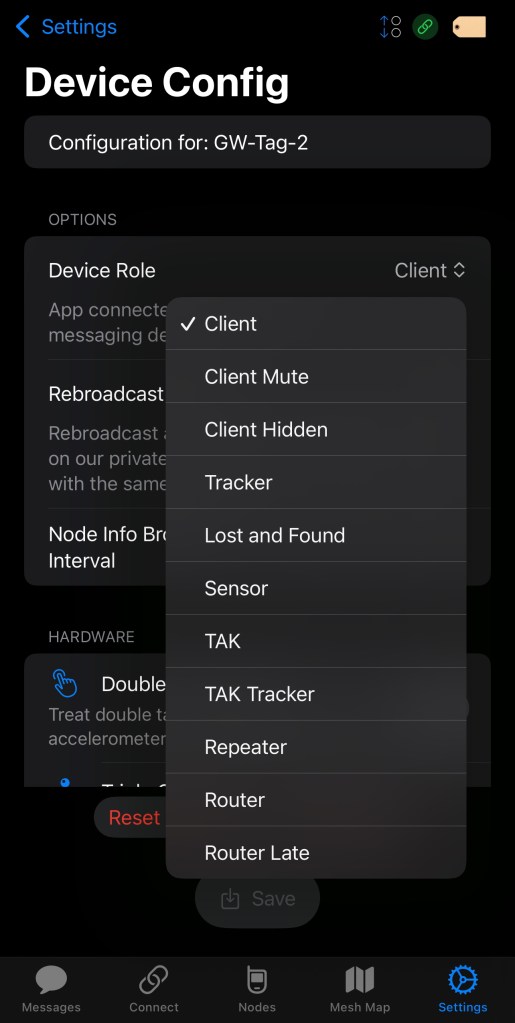
From the configuration standpoint, all I needed to do in Meshtastic was set the node on my shoulder strap to the “TAK” role and the two T1000-E nodes to the “TAK Tracker” role. The settings for this can be found in the “Device Config” section of the Meshtastic app.
From there it is just a simple matter of keeping the Meshtastic app open in the background on my Android phone with it set to connect to my shoulder strap node via Bluetooth, and open in the foreground the ATAK app on the phone.
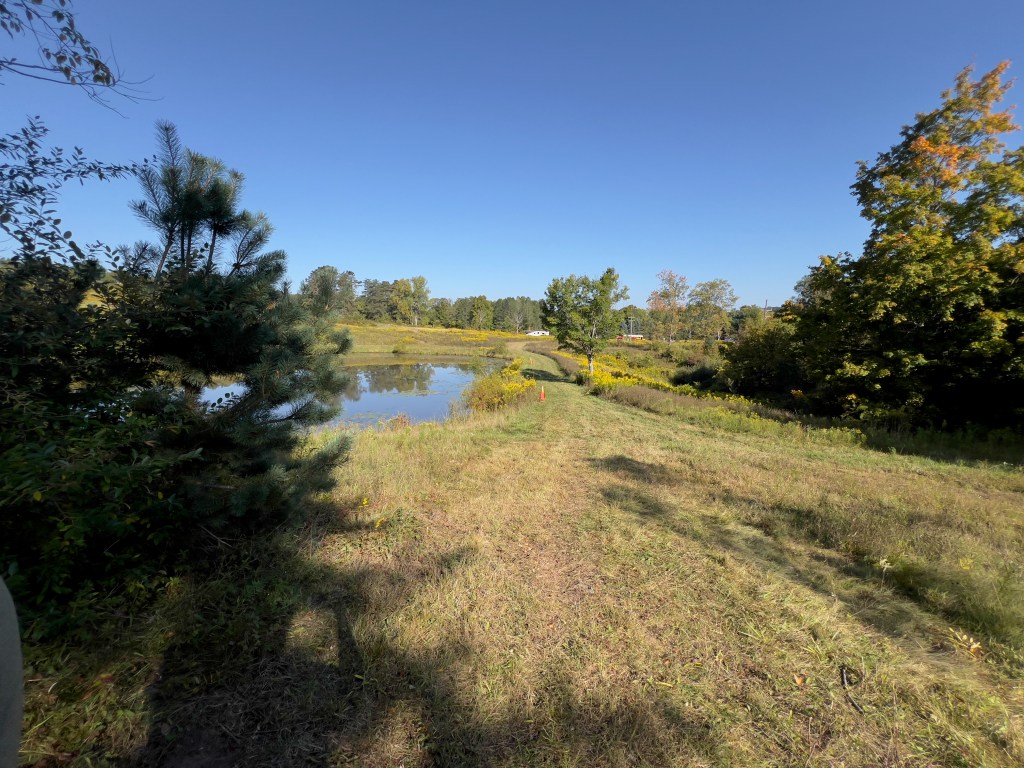

My son and I hiked in on foot from the road and could see the position of both apparatus on the ATAK map the whole time we hiked back to their location. The light rescue truck staged in a clearing at the top of a hill and off-loaded its Stokes basket onto the UTV which then was directed by CAP cadets to the location of the first victim.
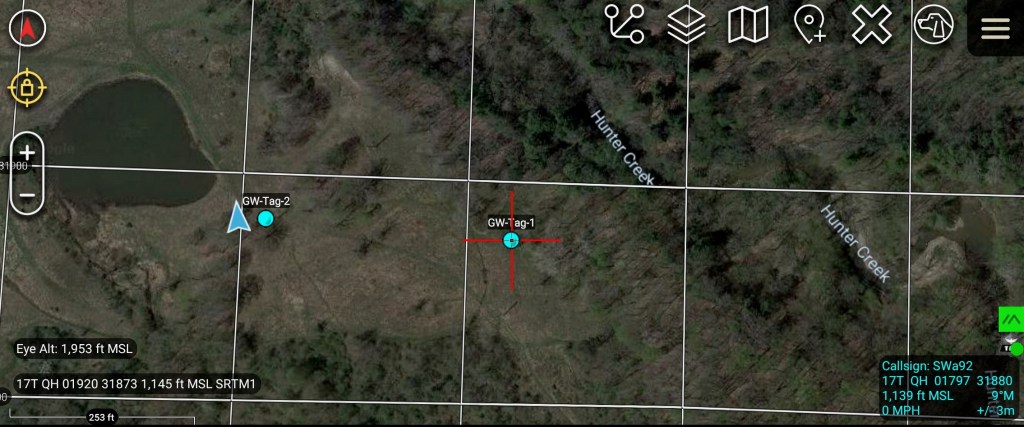
GW-Tag-1 was attached to Holland Fire Department UTV and GW-Tag-2 was attached to the Holland Fire Department light rescue truck. In the above screenshot we could follow the position of the UTV as it went to retrieve the first victim. The UTV was off on a trail below the staging area beyond some trees and was not visible from the hilltop.
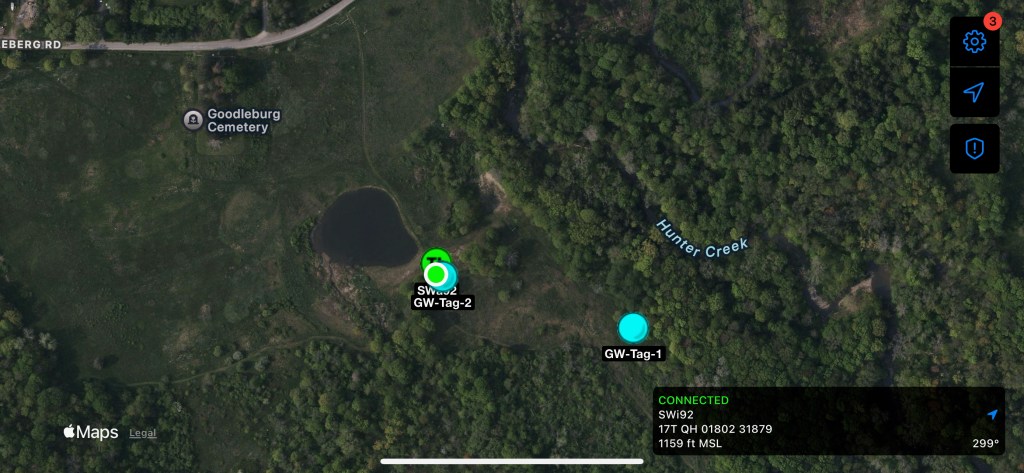
I did have limited internet connectivity on both my Android phone and my iPhone from the hilltop staging area. Both my ATAK and iTAK clients are connected to my TAK server over the internet. ATAK was relaying to the TAK server the position information it received over Meshtastic from the two TAK Tracker devices. Because of this, the iTAK client on my iPhone could see the location of both of the TAK Trackers via its connection to my TAK server. It could also see the location of my ATAK device on the map (appears as co-located with GW-Tag-2 on the above screenshot).
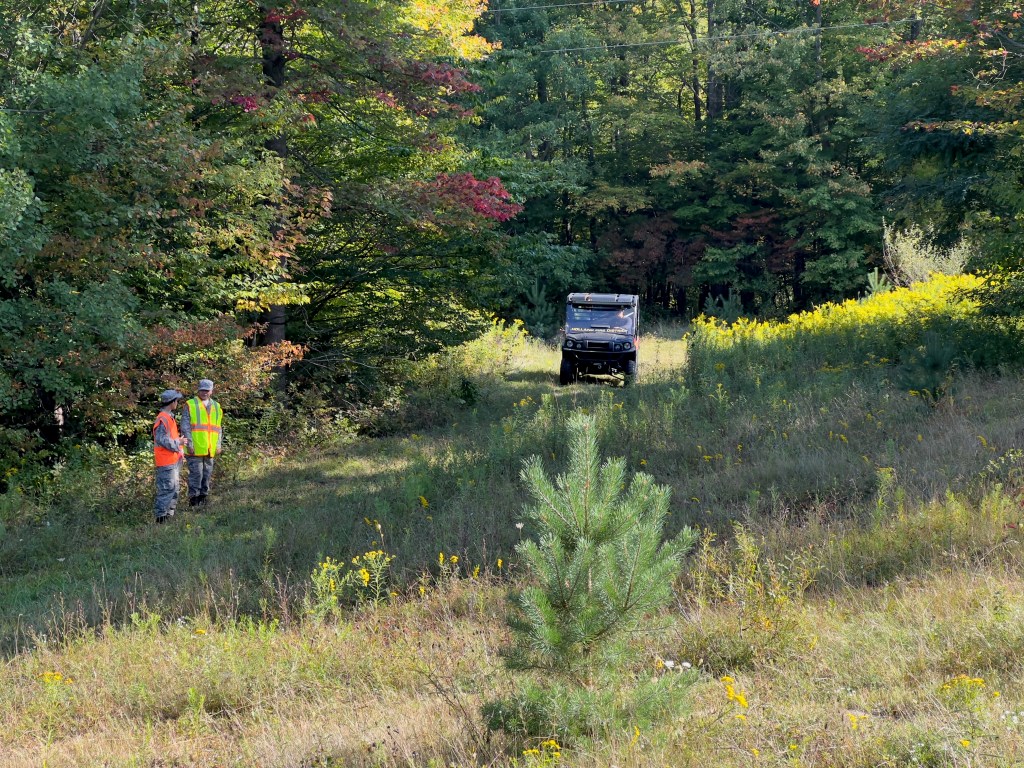
For the second victim extraction, the CAP cadets wanted to hike in and back out of the woods on foot to hand-carry the victim back to the staging area. They borrowed Holland’s Stokes basket and went up a trail to the second victim’s location.
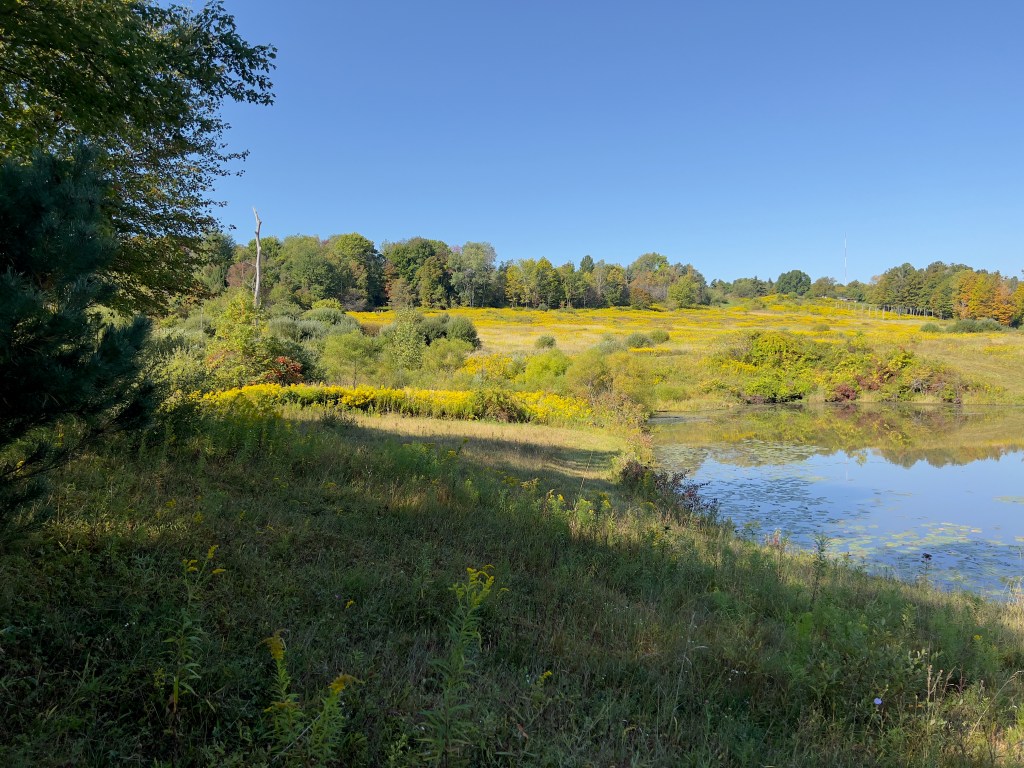
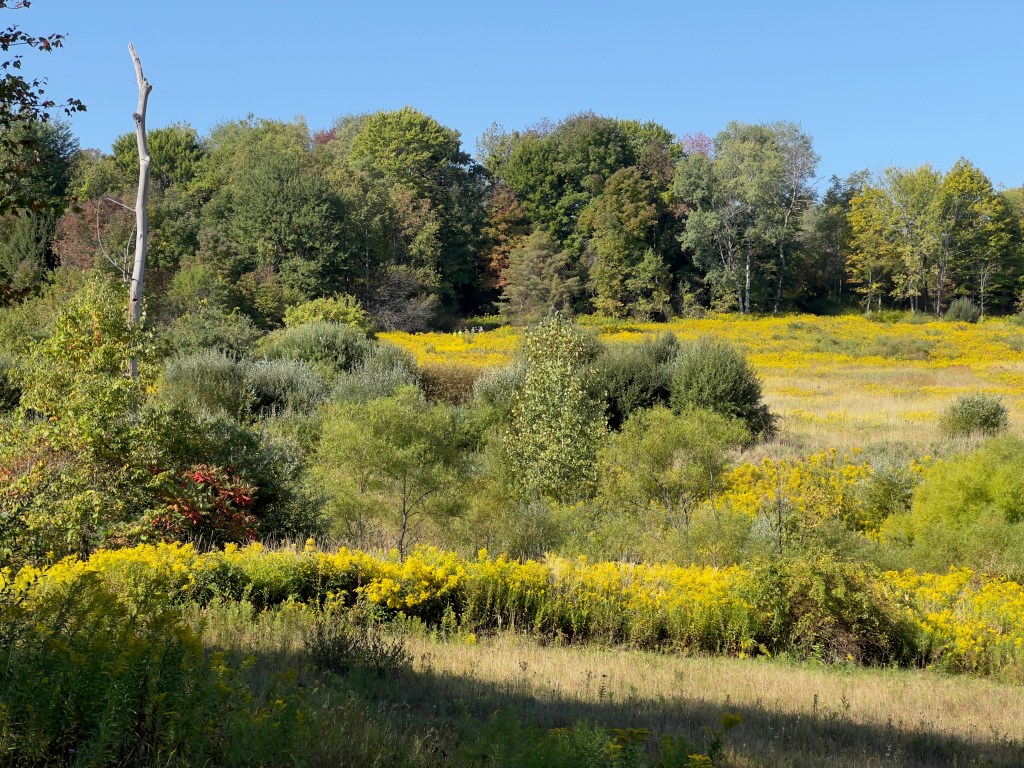
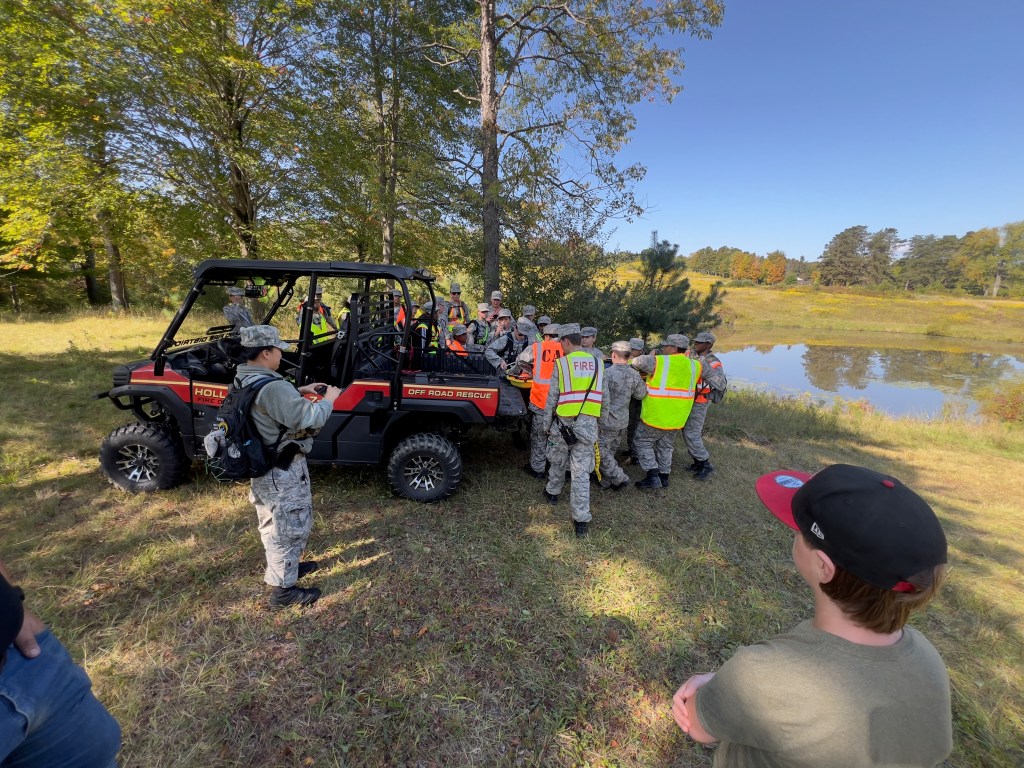
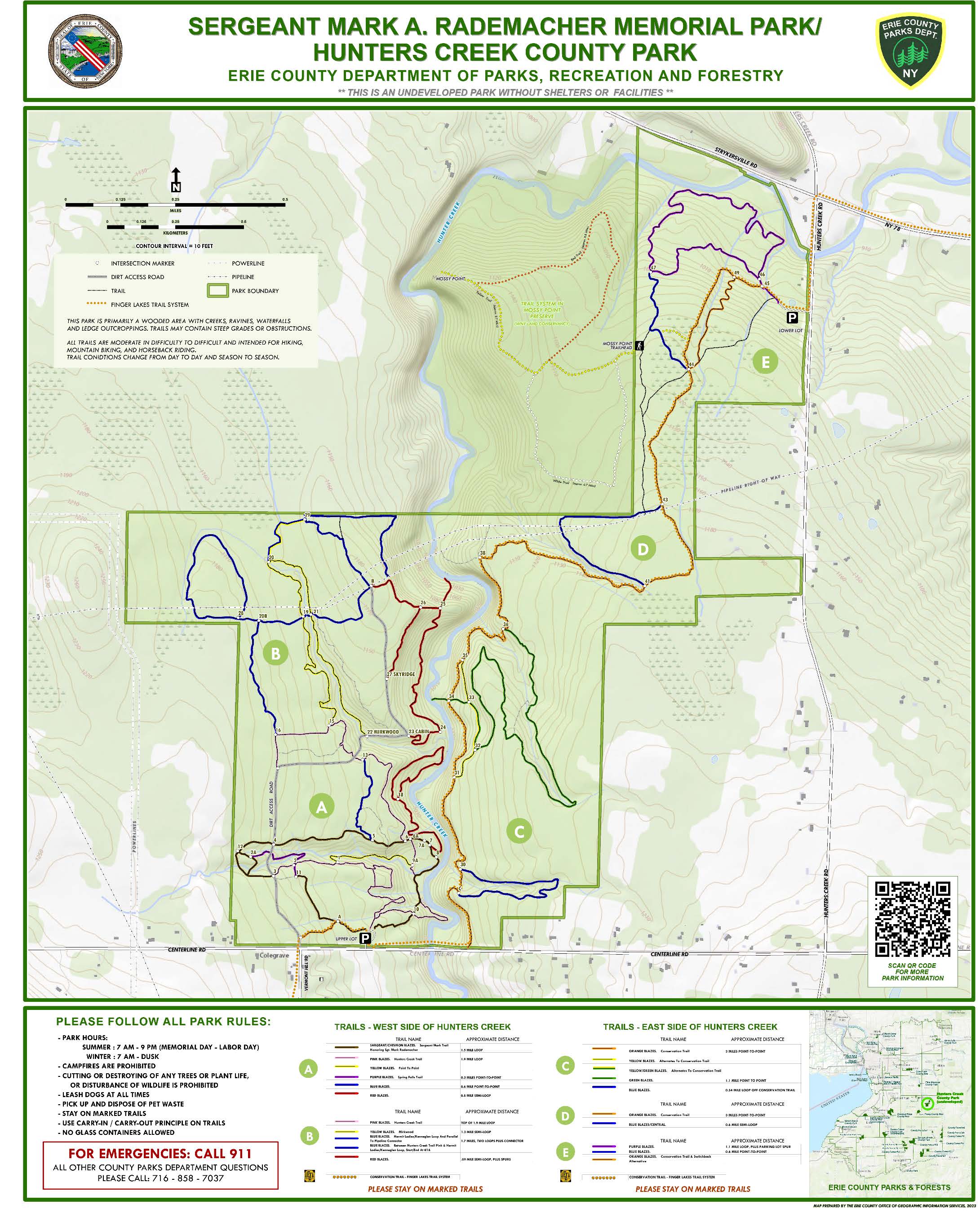
Today’s drill made for a simple opportunity to test out the ability track fire department assets deployed in a wildland area through the use of ATAK and Meshtastic devices. This is the second time I’ve used this setup on a fire company drill. In September 2024 we did a park familiarity drill at Hunters Creek Park where teams of fire department members hiked the extensive park trails on foot. Again teams were all visible on the ATAK map throughout the hike, but I had overlayed a GeoPDF park trail map on ATAK to help identify which trail teams were on.
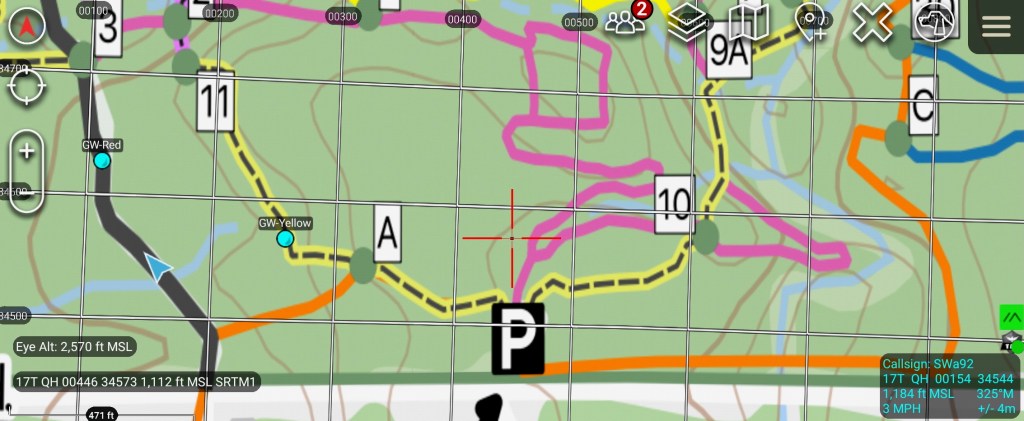
Through the use of the Meshtastic plugin for ATAK, off-grid communications and position tracking between ATAK devices can be easily achieved. The use cases for the TAK suite of applications is quite extensive and beyond the scope of this article, and there are numerous YouTube videos to walk you through the many uses for ATAK.
 BuffaLoRa