📅 Wednesday, September 30 @ 7:30pm – 9:00pm
📍Discord Meeting Room
✉️ RSVP on Discord or at hello@buffalora.org
Community feedback on agenda and future date/time and location are welcome. Join us on Discord to discuss!
Keeping WNY Connected, One Message at a Time

📅 Wednesday, September 30 @ 7:30pm – 9:00pm
📍Discord Meeting Room
✉️ RSVP on Discord or at hello@buffalora.org
Community feedback on agenda and future date/time and location are welcome. Join us on Discord to discuss!

📅 Wednesday, June 24 @ 7pm – 9pm
📍Old City Pizza (Pearl Street Grill & Brewery downstairs) – 76 Pearl Street, Buffalo, NY 14202
✉️ RSVP to hello@buffalora.org
Join us for pizza and drinks as we support an excellent community partner who is hosting a node on the rooftop!
In the mean time connect with us on LongFast or at:
📅 Tuesday, March 31 @ 6:30pm – 8:00pm
📍Bella Pizza – 5699 Herman Hill Rd, Boston, NY 14075
✉️ RSVP to hello@buffalora.org
In the mean time connect with us on LongFast or at:

📅 Tuesday, February 24 @ 7:00pm – 9:00pm
📍Tea Leaf Cafe – 4224 Maple Rd. Suite 124 Amherst, NY 14226
✉️ RSVP to hello@buffalora.org
In the mean time connect with us on LongFast or at:
📅 Sunday, January 11th @ 1:00pm – 3:00pm
📍Panera Bread – 1747 Sheridan Dr, Tonawanda, NY 14223
✉️ RSVP to hello@buffalora.org
Hope to see you there!
In the meantime connect with the community on LongFast or on Discord:
📅 Sunday, December 7 @ 1:00pm – 3:00pm
📍TBD – Please propose a location
✉️ RSVP to hello@snydermesh.com
Community feedback on date/time/location welcome. Join us on Discord to discuss:

You can build your own Solar powered Meshtastic Node for less than $23. This project was inspired by the exceptional post on the official Meshtastic Blog: RAK WisBlock Harbor Breeze Solar Light Enclosure Hack.
Bill of Materials


Build instructions:
You can toggle the Solar Light function on or off depending on your requirements.
UPDATE: Because of concerns about potentially no solar charging occurring with the light switch in the off position, I leave my node enclosure in the on position and snip the wire leading to the LED board to prevent lighting while still allowing for optimal Meshtastic battery performance. The battery will provide about a week of power for the node even without very sunny days. A few hours of full sun per week will keep the node running indefinitely. I have confirmed that I get daytime solar charging with limited overnight power draw since no lights are running.
📅 Friday, August 28 @ 6:30pm – 8:30pm
📍 Villaggio Italiano – 278 Central Ave Silver Creek, NY 14136
✉️ RSVP to hello@buffalora.org
Join us for pizza and drinks as we connect with Meshers along the southern Lake Erie shore!
In the mean time connect with us on LongFast or at:
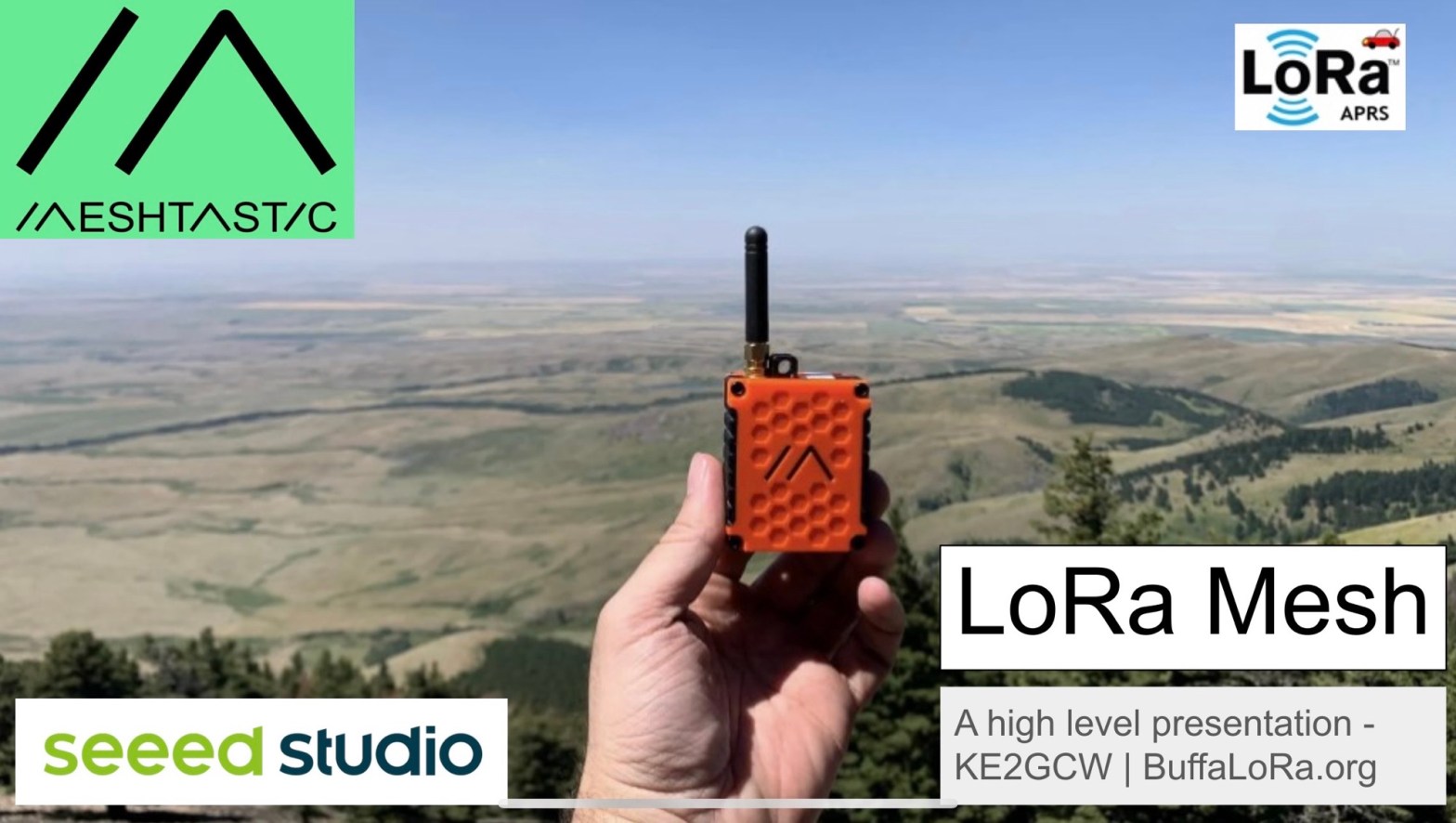
We were honored to present a high level overview of LoRa-APRS and Meshtastic at the W7HEN July General Meeting via Zoom on July 28th.
Mesh communication is growing quickly across the country and the Las Vegas area is a prime location for connecting using off-grid technology with other hams and non hams alike.
Please find the presentation materials at: LoRa High Level.
A list of devices with affiliate links and available discount codes can be found at Devices.
We look forward to the opportunity to make further partnerships, connecting new nodes but most importantly connecting people.
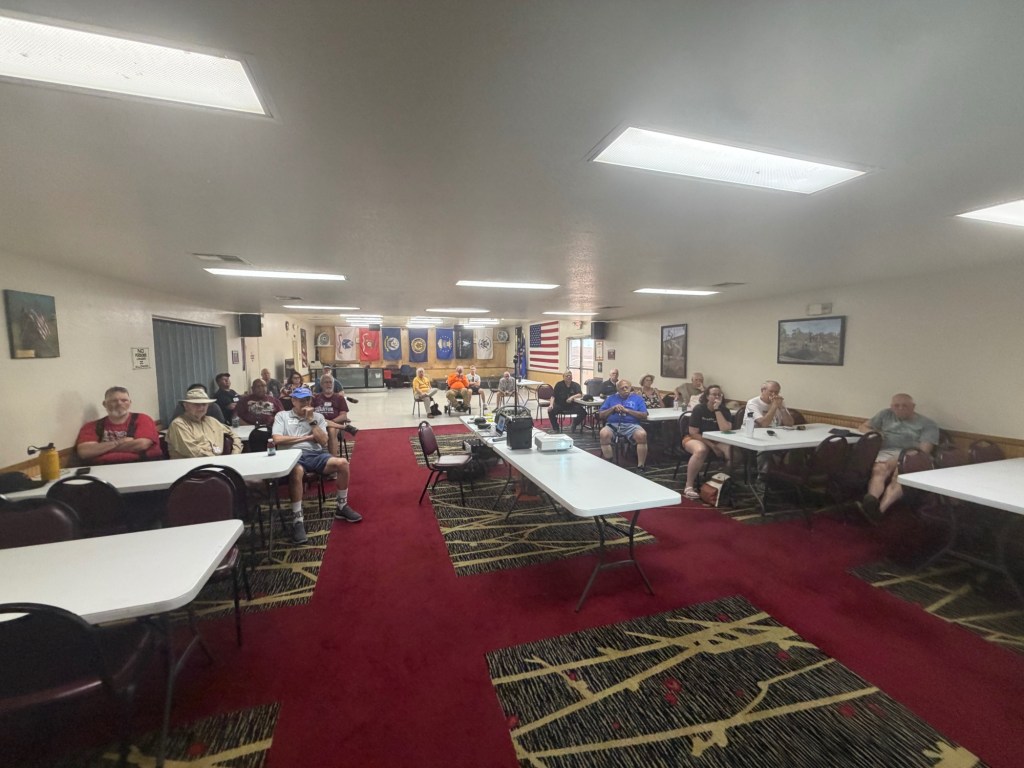
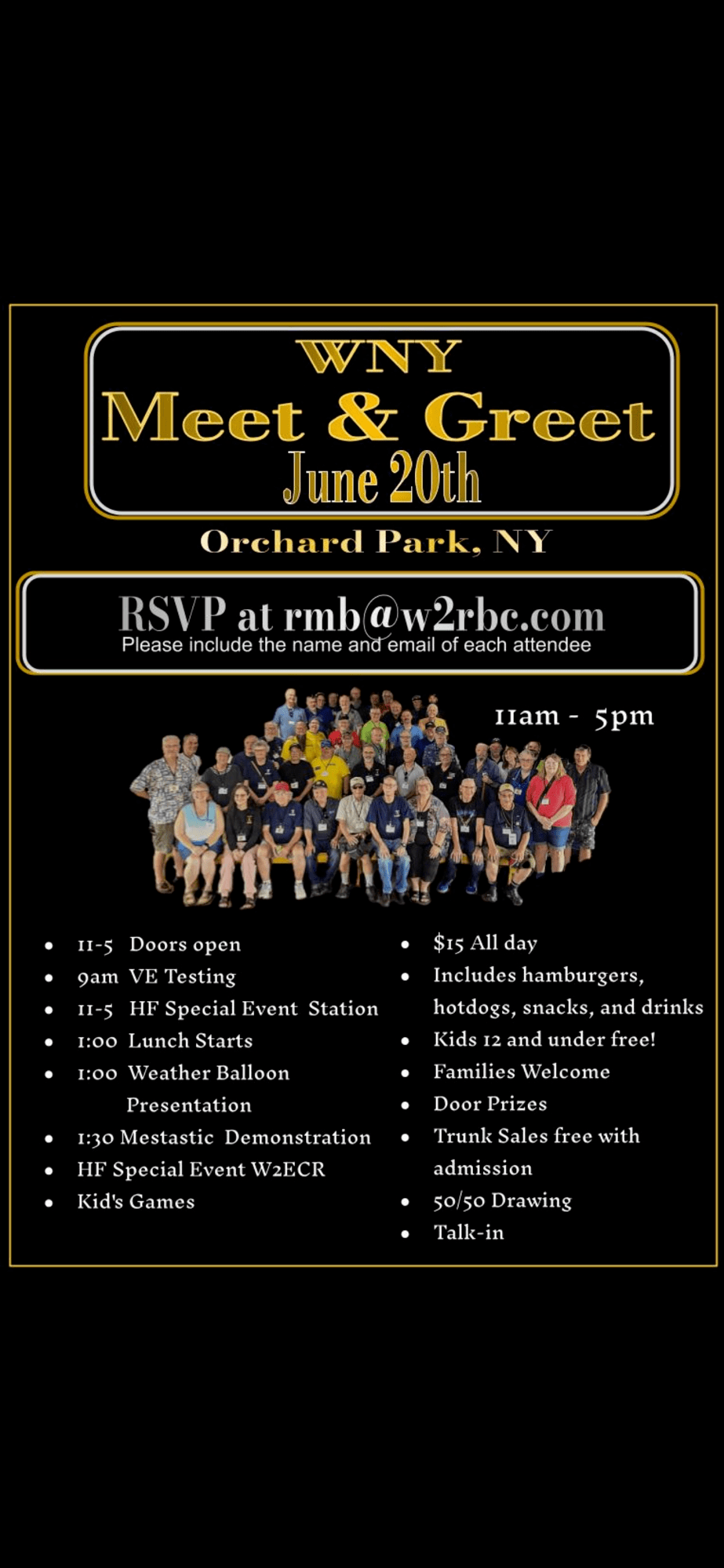
We had a great presentation on Meshtastic at the East Coast Reflector WNY Meet and Greet on Saturday, June 24th, 2026 at Chestnut Ridge Park in Orchard Park, NY. The East Coast Reflector (W2ECR) group is making amazing progress on achieving their goal of “Connecting the World through Amateur Radio” via a vast platform of globally linked/bridged repeaters and nodes and dedicated team members supporting the community with informative nets, and engaging events which continue to delight users. Please check out their site and feel free to listen in to the live stream.
Our presentation materials are at: Meshtastic High Level. If you want to join the mesh, a list of devices with affiliate links and available discount codes can be found at Devices.
Anyone interested in learning more about Meshtastic or to get help with connecting to the mesh can join us for a Meetup this Wednesday at 7pm at Old City Pizza in Buffalo, NY. Additional details at June Meetup.
We look forward to the opportunity to make further partnerships in the Western New York region, connecting new nodes but most importantly connecting people.
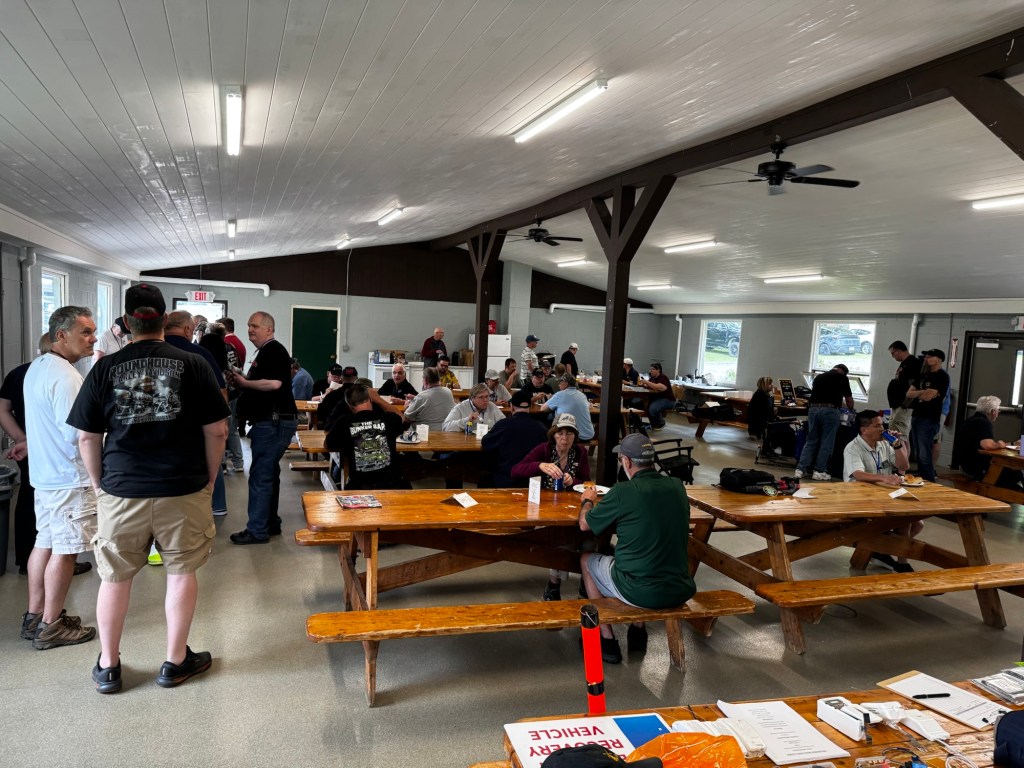
Join us for the Weekly WNY Net (check in) Sundays at 7pm for all Meshtastic users across Western New York whether you are a seasoned veteran or completely new.
All participants send a brief check-in message with:
• Node name / operator handle (callsign optional if licensed)
• General location (neighborhood or town – no need for exact address)
• Node type (mobile, home base, rooftop router, etc.)
• Hop count to net control (tests actual mesh path)
Feel free to share helpful community relevant information or raise a question to the net if any help is needed.
How to join?
Use LongFast Presets and message the following Private Channel Name: WNY_Net
Key: CMlSD9oZ63kB6LdLylcqxdjQElSz1mQzjMfHsYq89Ro=
MQTT Root Topic (optional): msh/US/NY/WNY
Suggested by e104 🏆

If you’ve ever wished you could stay connected to your Meshtastic network while driving, and without fumbling with your phone, the wait is over.
As of April 2026, the official Meshtastic app for iPhone now supports Apple CarPlay, bringing hands-free, off-grid LoRa messaging directly to your vehicle dashboard. The feature arrived in version 2.7.11 of the app, which added both a dedicated CarPlay communications interface and Siri messaging support.
For the Meshtastic community, this is a major quality-of-life upgrade especially for mobile operators, overlanders, road trippers, emergency communicators, and anyone running a node while on the move.
The new CarPlay integration allows your iPhone to act as a bridge between your vehicle and your Meshtastic node over Bluetooth. Once connected, you can interact with your mesh network directly from your car’s infotainment screen.
Instead of reaching for your phone, you can now use voice commands while driving to communicate over your local LoRa mesh.
That means true off-grid messaging from your dashboard.
To use Meshtastic with Apple CarPlay, you’ll need:
Popular compatible nodes include:
The CarPlay functionality was officially introduced in Meshtastic iOS app version 2.7.11 in late April 2026.
Once your node is paired and your iPhone connects to CarPlay, the Meshtastic app appears alongside your other CarPlay apps on the dashboard.
The interface is intentionally simple and optimized for driving:
Displays recent channel traffic and unread messages from your mesh network.
Shows nearby and connected nodes currently visible on the mesh.
Lets you confirm your radio is connected and communicating properly.
This is where things get especially interesting.
Drivers can use Siri voice commands to send Meshtastic messages without touching their phone.
“Send a message on Meshtastic.”
Incoming messages can also be read aloud through Siri when notifications are enabled.
Meshtastic has always excelled at portable and mobile communication, but using it while driving usually meant:
CarPlay changes that.
Now mobile operators can participate in mesh communications while:
For emergency preparedness enthusiasts, this is also another example of decentralized communications becoming more practical in everyday life.
Getting started is straightforward.
Connect your Meshtastic radio to your iPhone using Bluetooth through the Meshtastic app.
Make sure you’re running the latest version of the iOS app from the App Store.
Plug your iPhone into your vehicle or connect wirelessly if your car supports wireless CarPlay.
The Meshtastic icon should now appear on your CarPlay dashboard.
To hear incoming messages through Siri:
Like many first-generation features, the rollout hasn’t been perfect.
Early user feedback has noted:
There is currently a 200-character limit on messages sent through the CarPlay interface because of a Siri platform requirement.
Still, for an initial release, the functionality is impressive — and likely to improve quickly as the Meshtastic development community iterates.
At the moment, official support appears limited to Apple CarPlay.
There is currently no official Android Auto implementation for Meshtastic, although community members are already asking for it.
Given the popularity of mobile Meshtastic deployments, Android Auto support will likely remain a highly requested feature.
The addition of Apple CarPlay support marks another major milestone for Meshtastic.
What started as a grassroots LoRa mesh networking project continues evolving into a mature communications platform with integrations that make decentralized, off-grid messaging more accessible than ever.
Being able to safely send and receive mesh messages from your vehicle dashboard feels like the kind of capability that used to belong only to expensive commercial radio systems.
Now it’s available through an open-source ecosystem powered by affordable LoRa hardware.
For mobile operators and road warriors in the Meshtastic community, that’s a very big deal.
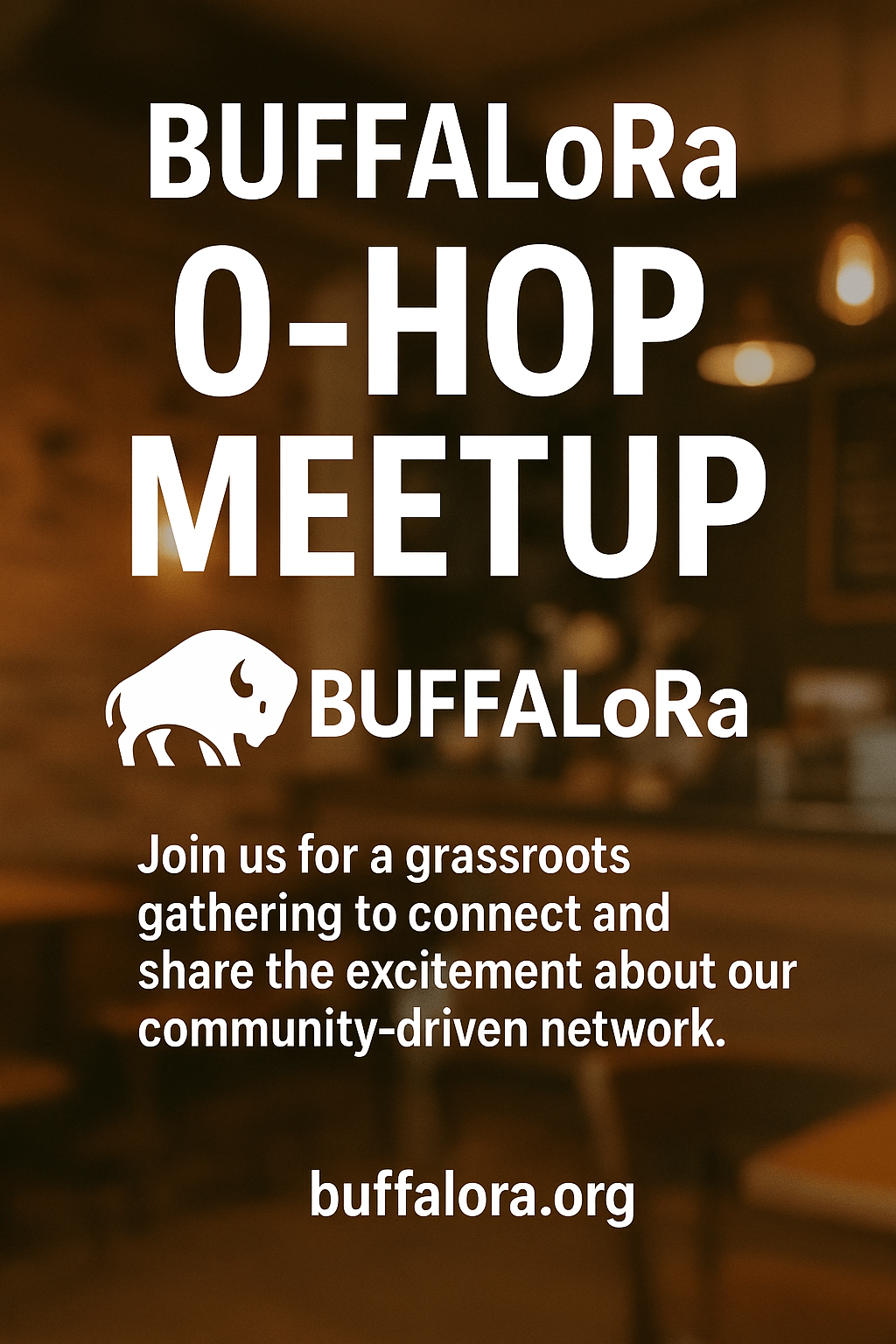
📅 Tue, April 28 @ 7:00 – 9:00pm
📍Tea Leaf Cafe – 4224 Maple Rd Suite 124, Amherst, NY 14226
✉️ RSVP to hello@buffalora.org
Community feedback on date/time/location welcome. Join us on Discord to discuss at https://discord.gg/PAH6HNCSef
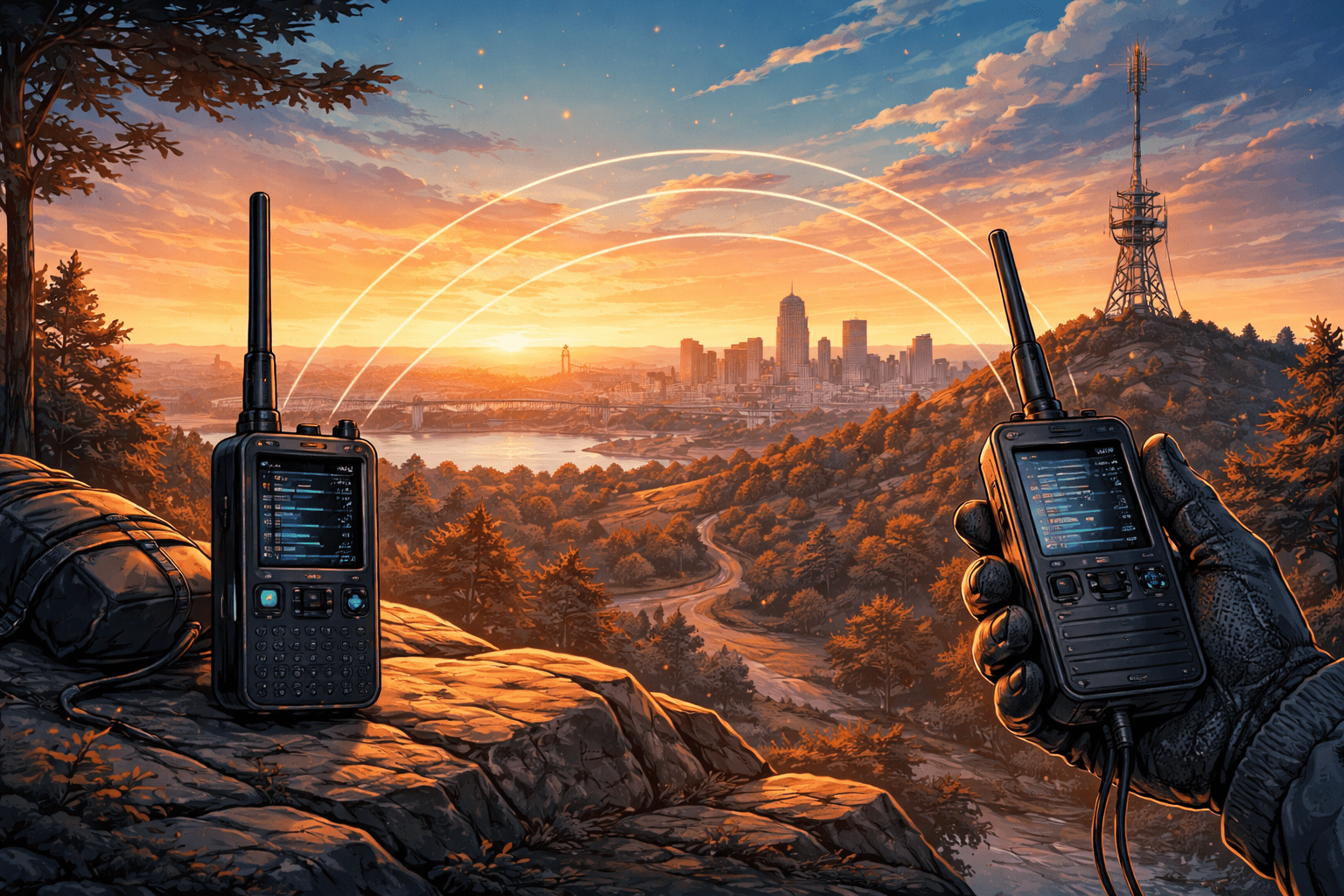
If you’re part of the growing BuffaLoRa community, you’ve probably wondered: how far can my node really reach? The answer depends on terrain, antenna height, interference, and configuration—but with the Range Test Module from Meshtastic, you can move beyond guesswork and collect real, actionable data.
Let’s walk through how to properly run a range test—and why it’s one of the most valuable things you can do to strengthen the mesh.
Range testing transforms your node from a passive participant into a powerful diagnostic tool.
Start by configuring both nodes with a private primary channel, a shared encryption key, and position sharing enabled.
This prevents flooding public channels like LongFast with test traffic.
On your mobile node, enable the Range Test Module. An ESP32-based device is recommended so you can store logs and capture GPS data for later analysis.
On the stationary node, enable the Range Test Module and turn on server mode. This node will broadcast sequential test packets.
Tip: Use a reasonable interval between messages to avoid unnecessary airtime usage.
Once packets are being received, begin moving with the receiver node—walking, biking, or driving safely.
Height and line of sight can dramatically improve range.
When finished, disable the module on both nodes to avoid unnecessary airtime usage and reduce network congestion.
Switch back to your public primary channel and resume normal telemetry and position sharing.
Review your logs to examine RSSI, SNR, and packet success rates across distances and terrain.
If you don’t have time for a full range test, there’s a simpler method.
Using tools like Meshmonitor and Meshing-around BBS, a home node can automatically respond to messages like “ping” or “test”.
This provides quick insight into your connectivity back to a known location.
If you’re on the BuffaLoRa mesh, send a “ping” or “test” message via Direct Message to one of the Bots and watch for a response. It’s an easy way to check your signal performance in real time.
Range testing helps build a stronger, more reliable mesh network. Every test improves coverage awareness and node placement decisions.
Because in LoRa… height is might.
We are looking forward to present a high level overview of Meshtastic and MeshCore at the upcoming LARA March Meeting at 7:00pm on Wednesday, March 25th, 2025 at the Cambria Fire Hall in Cambria, NY.
Mesh communication is growing quickly across Western New York and the Lockport area this area is in a prime location for connecting with nearby neighbors.
Please find the planned presentation materials at: Meshtastic High Level.
A list of devices with affiliate links and available discount codes can be found at Devices.
We look forward to the opportunity to make further partnerships in the Western New York region, connecting new nodes but most importantly connecting people.
Have a WordPress.com account? Log in now.

